All squares, with captions disabled.
- Gallery Settings > Aspect ratio:
1:1 - Captions > Captions:
Don't show captions
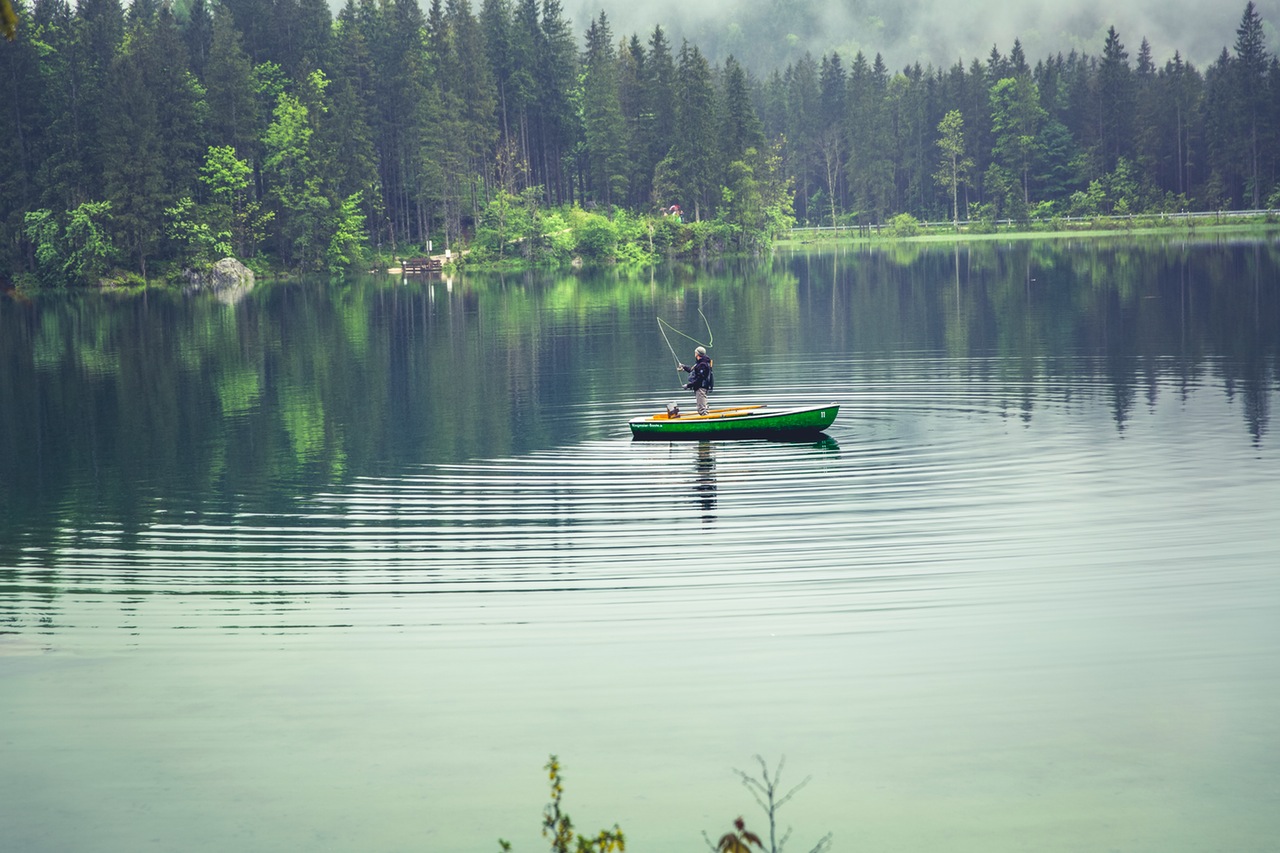
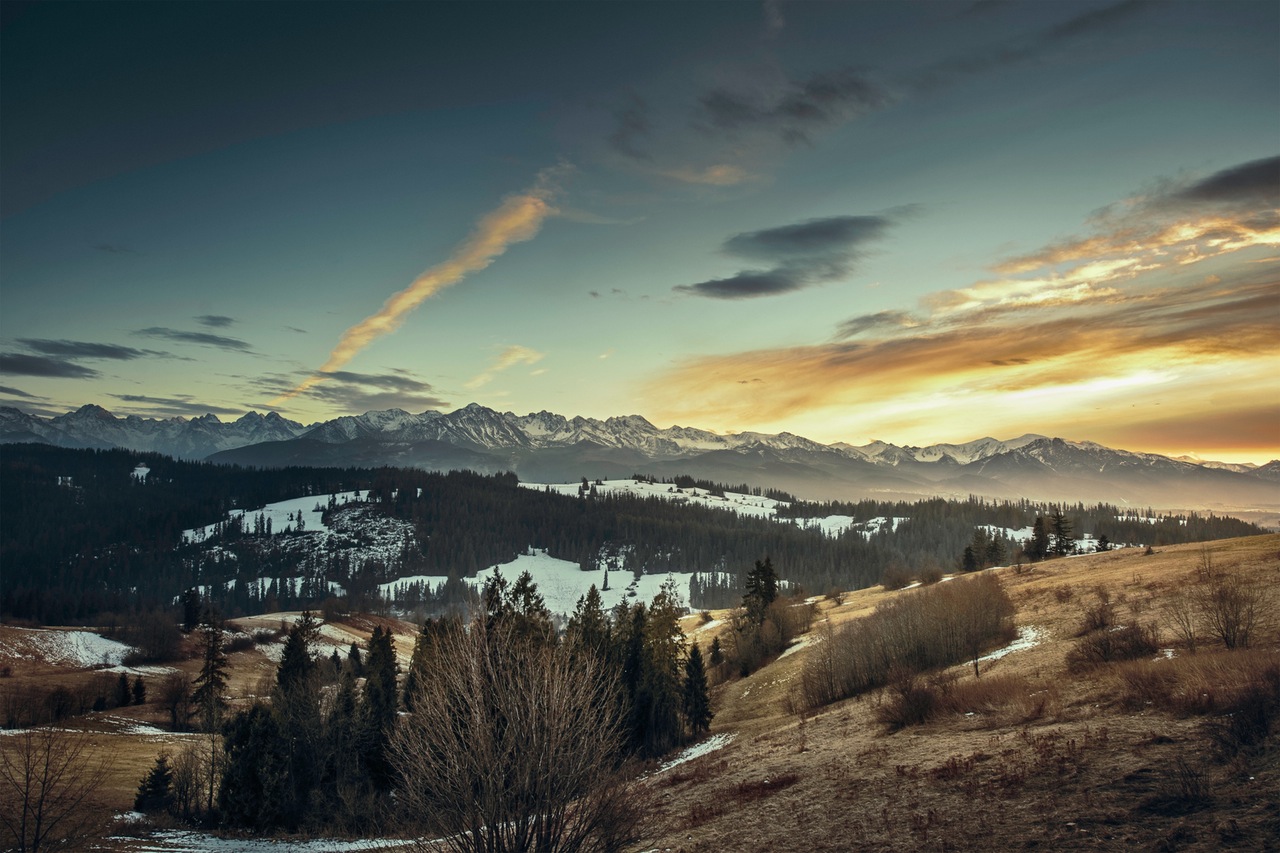
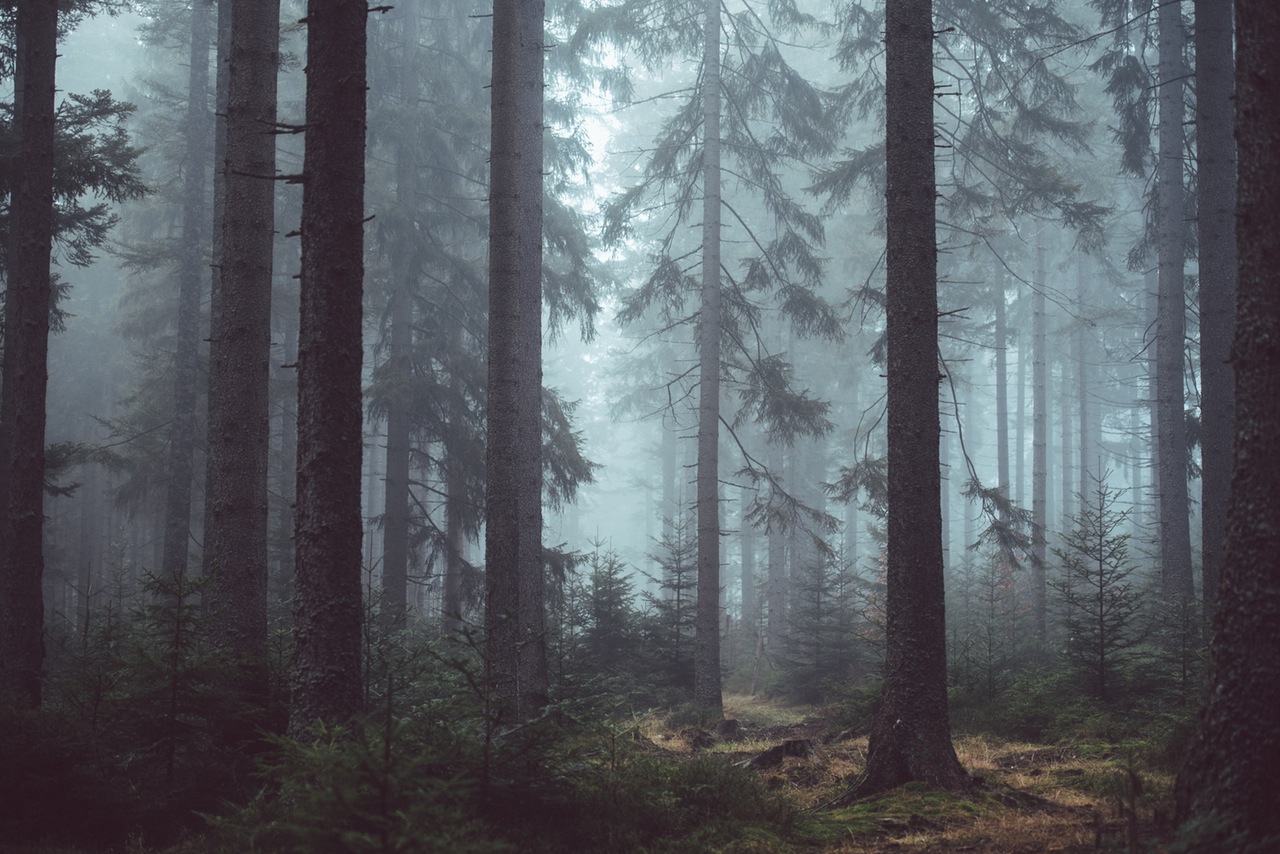

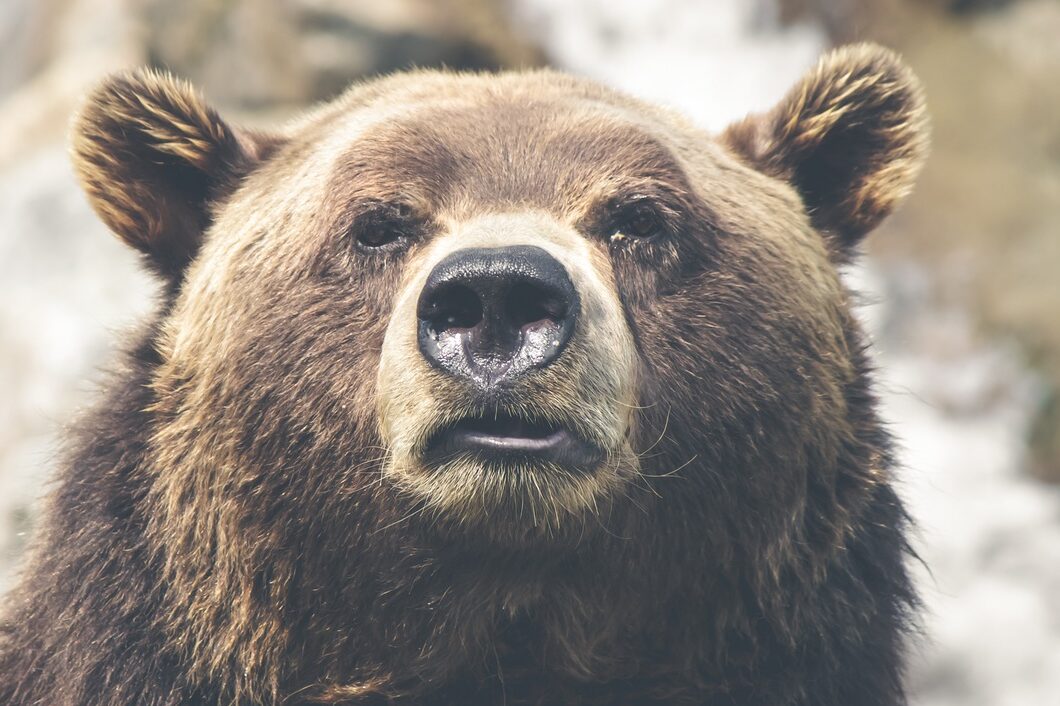

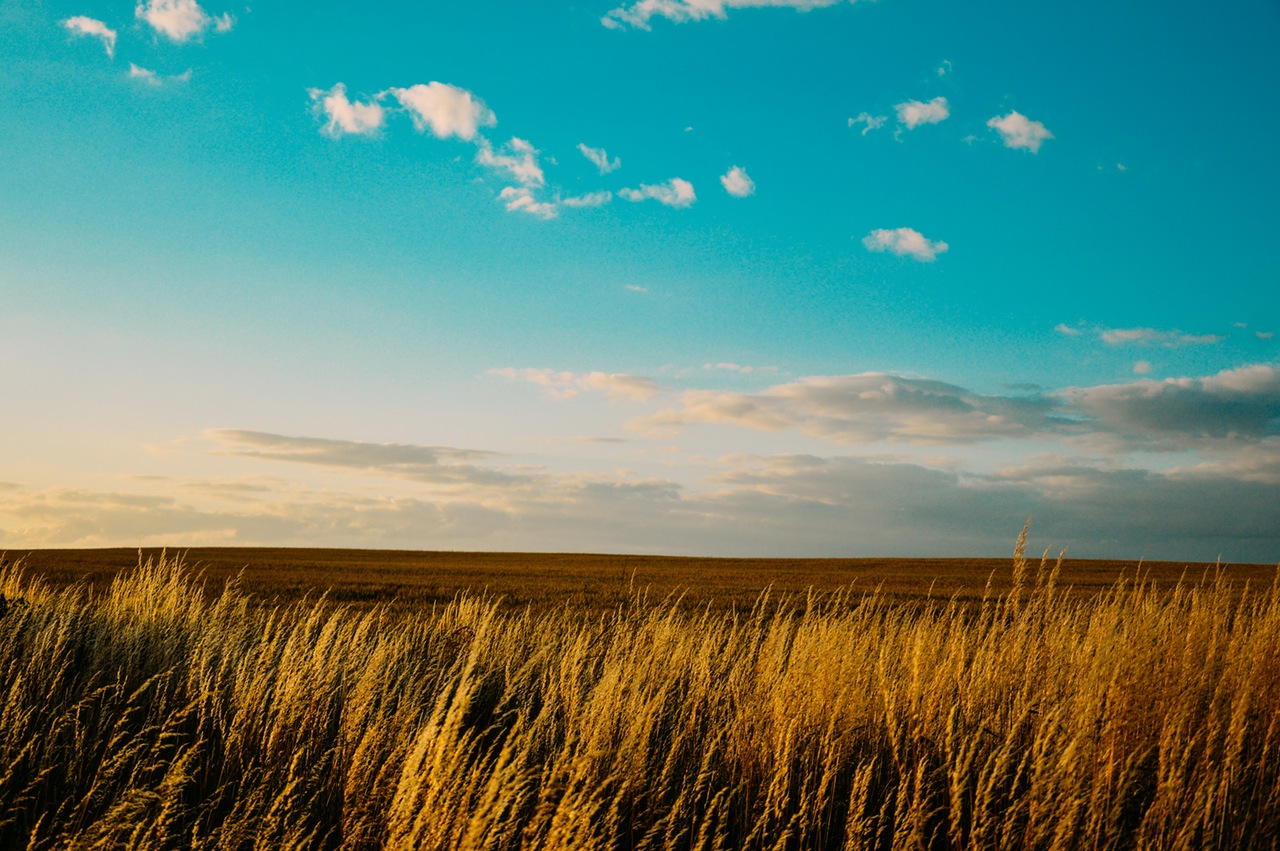
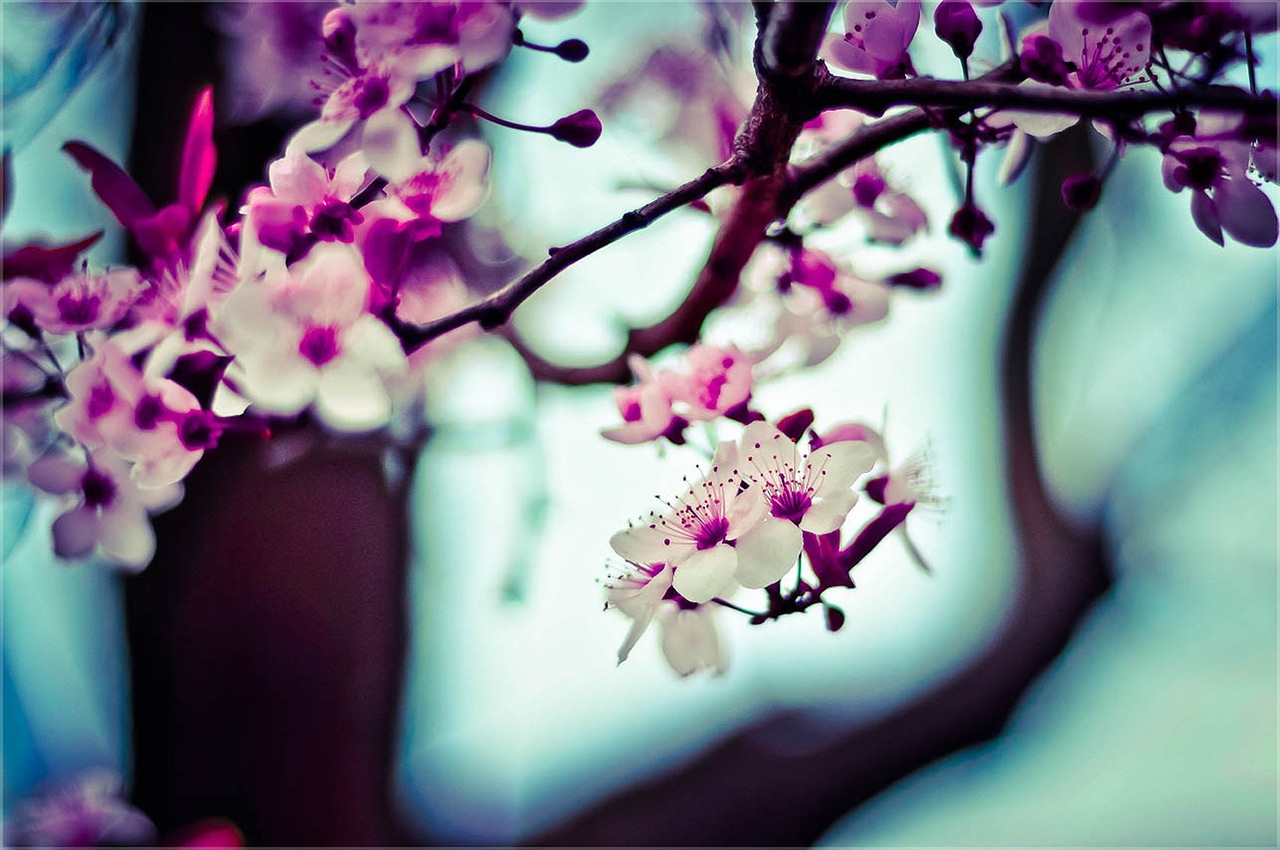
Smaller images with custom animation speed and reverse zoom
- Captions > Captions:
Don't show captions - Animation Settings > Scale:
0.8 - Animation Settings > Animation In Time:
500 - Animation settings > Animation Out Time:
500 - Display Settings > Max Row Height:
100
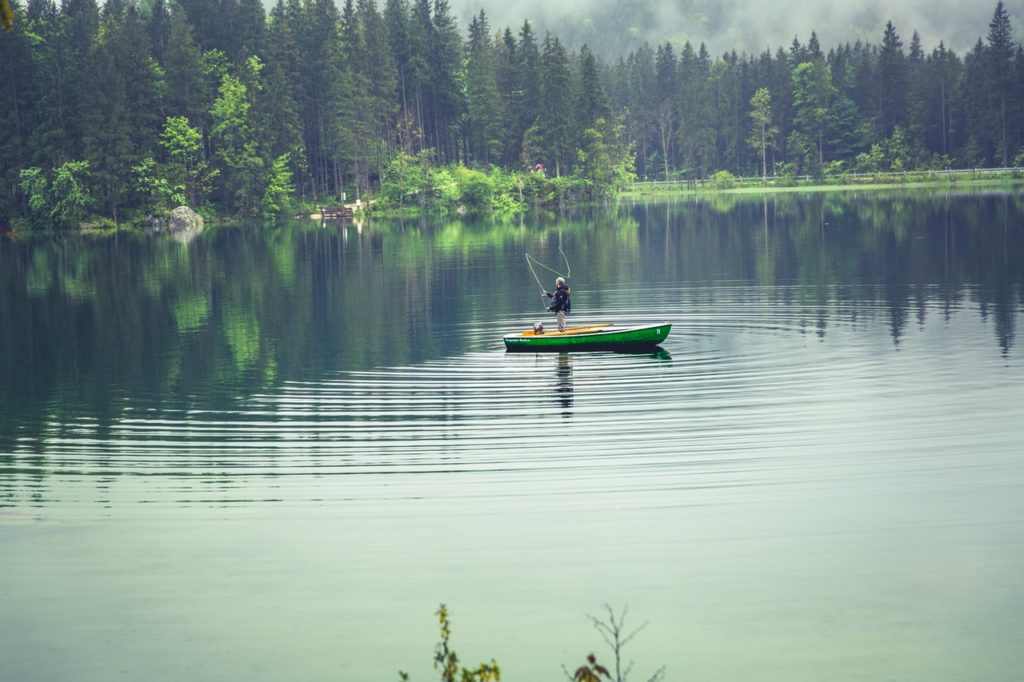


Use native gallery
Just because you enabled the RGG plugin, doesn’t mean you can’t still use the native WordPress Gallery.
- Gallery display:
Native
Borders
You can add borders and custom CSS to the images.
- Captions > Captions:
Don't show captions - Advanced > Additional CSS class(es):
special-style
<style>
    .special-style .rgg-img {
      border: 4px solid #3c3c9c;
      border-bottom-width: 20px;
    }
</style>Note: you cannot add padding or margins this way. To add margins between the images set the margin in the Gallery Settings or globally under Dashboard > RGG Options > Margin.
Random order
Go ahead and refresh the page if you don’t believe me
- Gallery settings > Randomize order:
on
Image above (lightbox alternative)
- Gallery Settings > Lightbox:
Active image above gallery